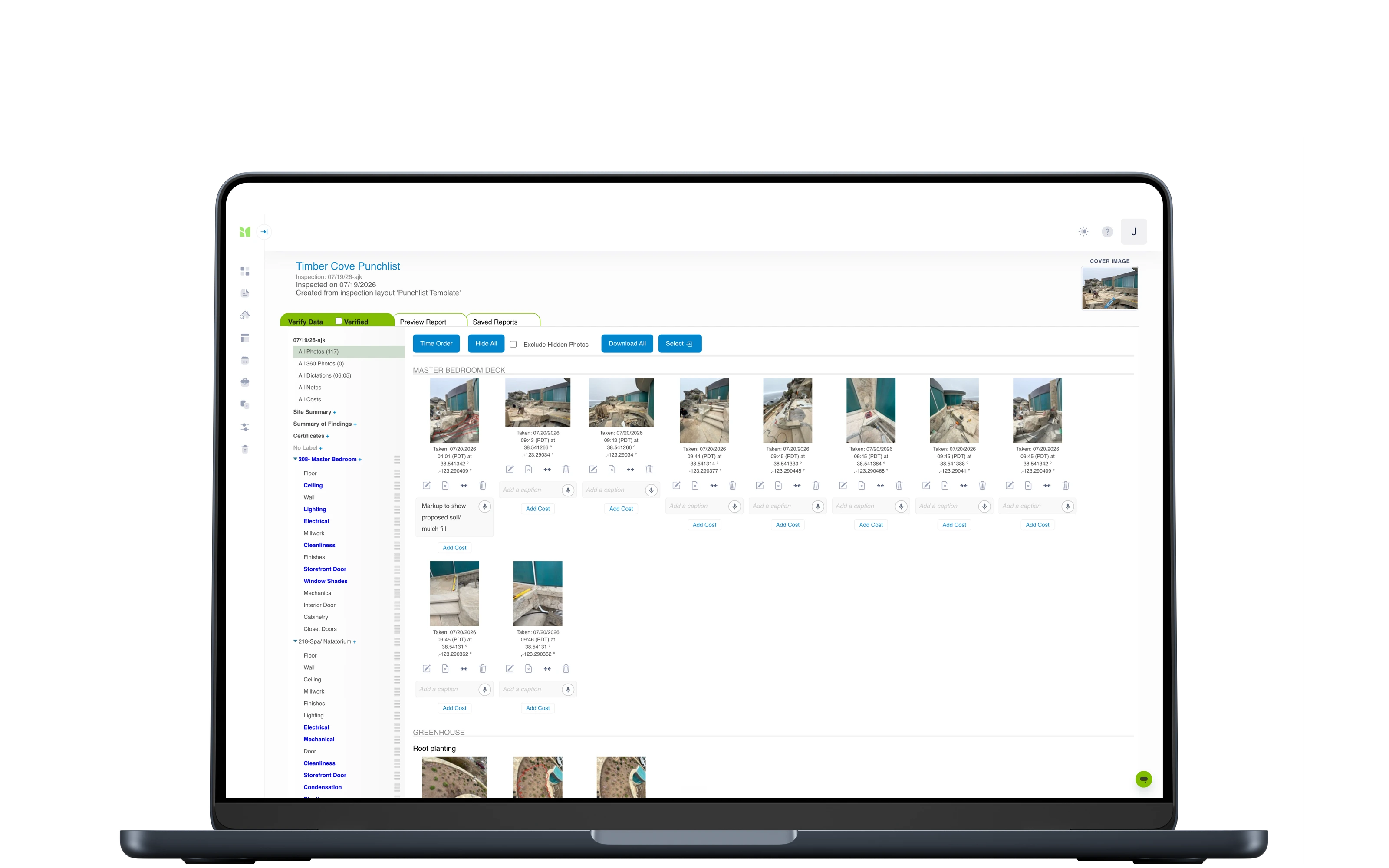
Every tenancy evidenced, every property on schedule: inventories, check-ins and check-outs compared side by side against the original record and signed by tenants online, so deposit deductions rest on the record rather than on recollection. The dashboard keeps recurring inspections and safety certificates on time across the portfolio.
The inventory records condition, cleanliness, meters and keys room by room - the record every later visit is judged against.
Re-inspect, side by side
Mid-terms and check-outs open against the original inventory, so you record what changed - original photo next to new capture.
Comparison & arbitration reports
Before-and-after comparison reports, plus a dedicated arbitration format built for deposit-dispute adjudication.
Tenants in the loop
Share the report with tenants and landlords: they review the PDF and its photos, comment clause by clause, agree and sign digitally.
Repairs & dilapidations
Flag disrepair with photos and costs as you inspect; flagged issues push to Fixflo as work tickets, with notes and photos attached.
360° room capture
Pair a Ricoh Theta and capture whole rooms in 360° - viewable in the report alongside standard photos.
Meters, keys and certificates
Readings, key handovers and certificates captured in the same visit, in the same record.
Evidence that keeps
Reports freeze on generation - a re-render is byte-identical - with originals kept tamper-evident for seven years.
How rental agents, inventory clerks and landlords work with Imfuna
The same sequence, from arriving on site to the issued report - and what each step takes off your desk.
01The baseline, set
Check-in
Room-by-room condition and cleanliness, meter readings, keys and photo evidence - the professional inventory that sets the baseline the whole tenancy is judged against.
Condition, cleanliness, meters and keys, room by room
Photos time-stamped against the item they evidence
Tenants comment clause by clause and sign at the start
02Change caught early
Mid-term
Quick periodic visits compared side by side against the original inventory, so change is documented while it is still small.
Visits open against the original inventory
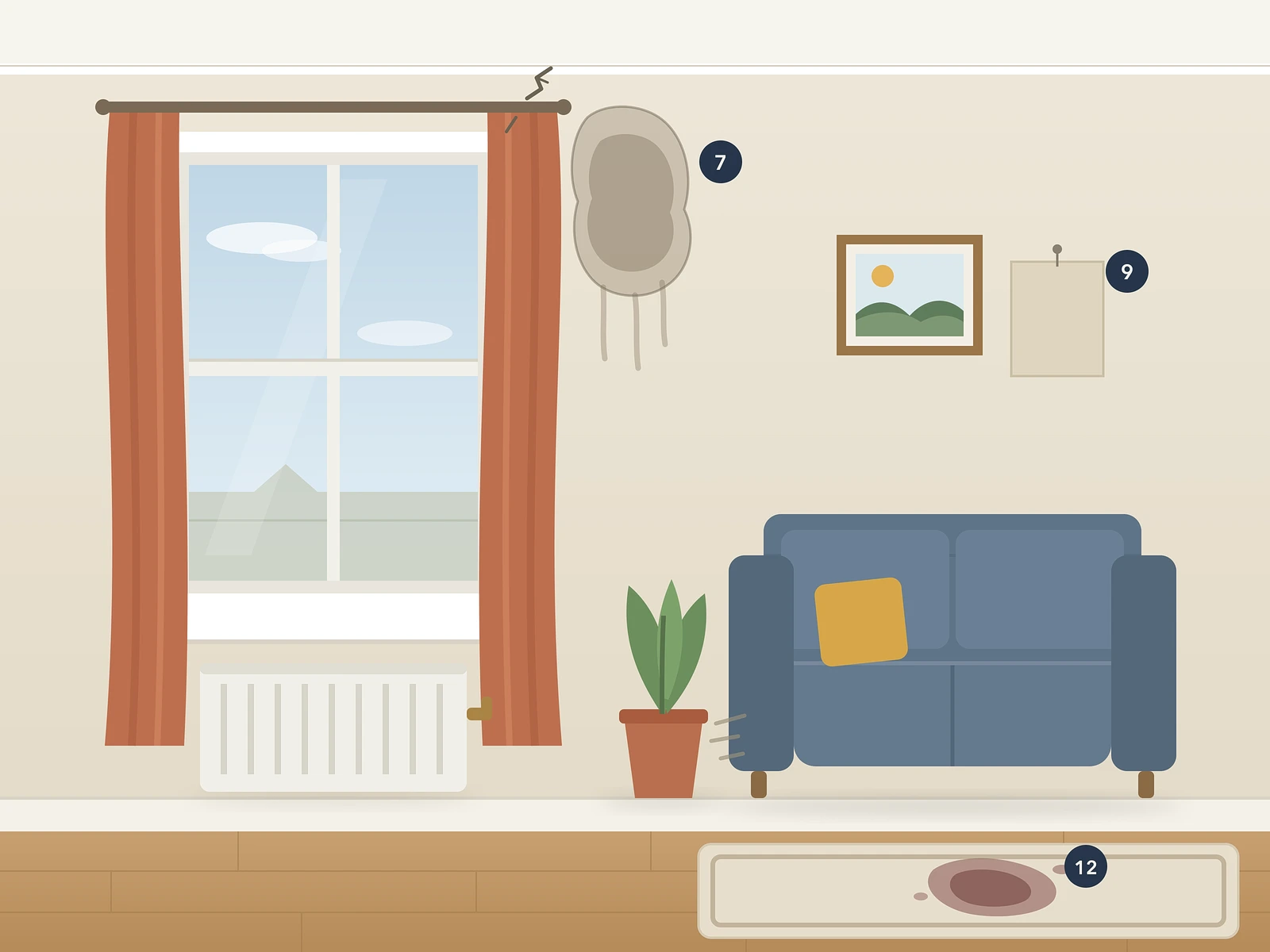
Original photo next to new capture - change documented while it is small
Recurring schedules keep every property's next visit on the calendar
03Side-by-side proof
Check-out
Before-and-after comparison reports and a dedicated arbitration report format for when a deposit deduction is challenged.
Move-in against move-out, side by side, instantly
A dedicated arbitration report format for challenged deductions
Evidence designed to meet TDS, DPS and mydeposits adjudication standards
Check-in · 2 Sep 2025Check-out · 28 Aug 2026
04Signed & tamper-evident
Agree and archive
Tenants and landlords comment and agree clause by clause; reports are digitally signed and kept, tamper-evident, for seven years. Flagged repairs push to Fixflo.
Tenants review and sign in any browser - no app, no account
Reports frozen on generation, kept tamper-evident for seven years
Flagged repairs push to Fixflo as work tickets
05Whole portfolio, one screen
Scale the portfolio from one place
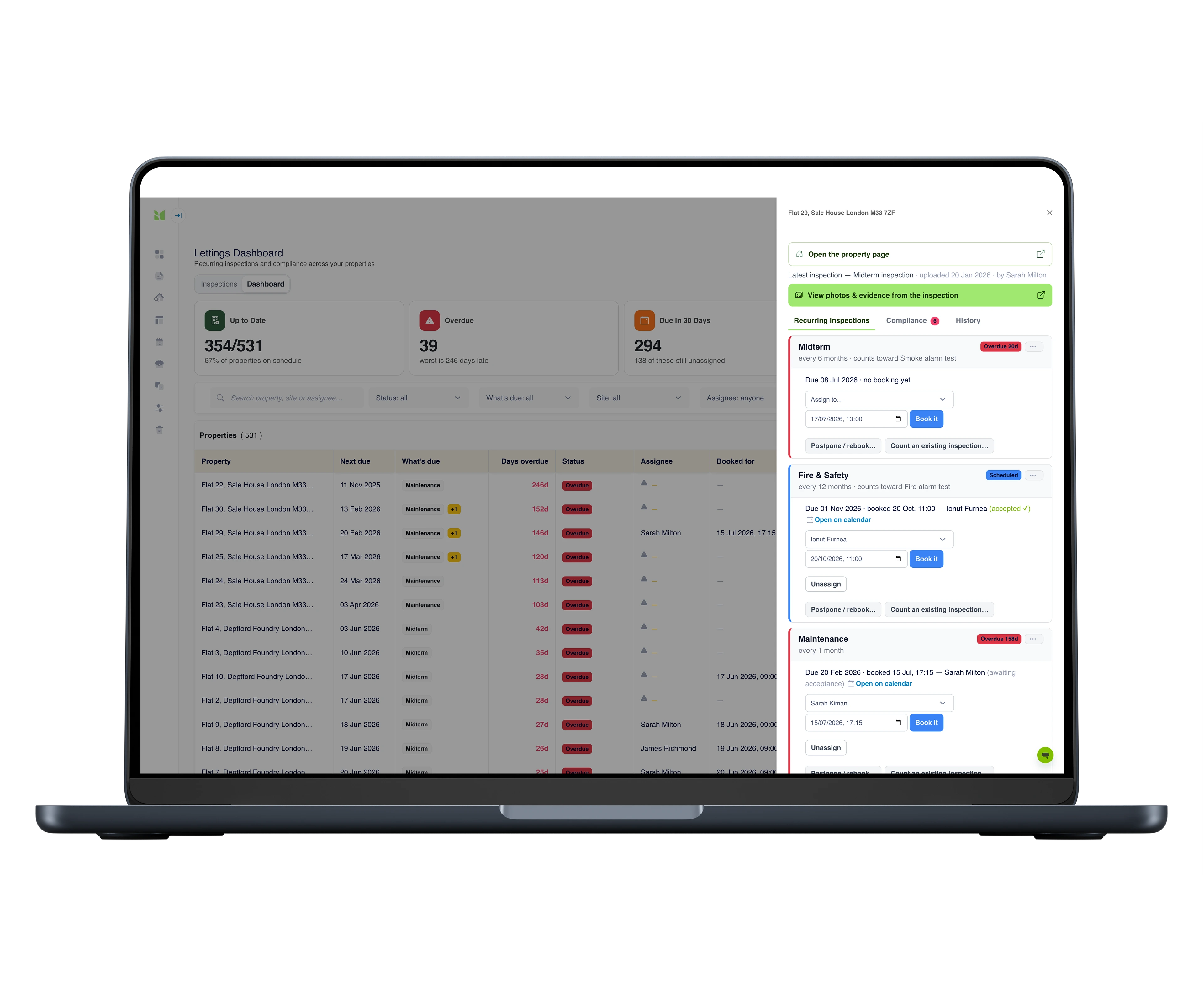
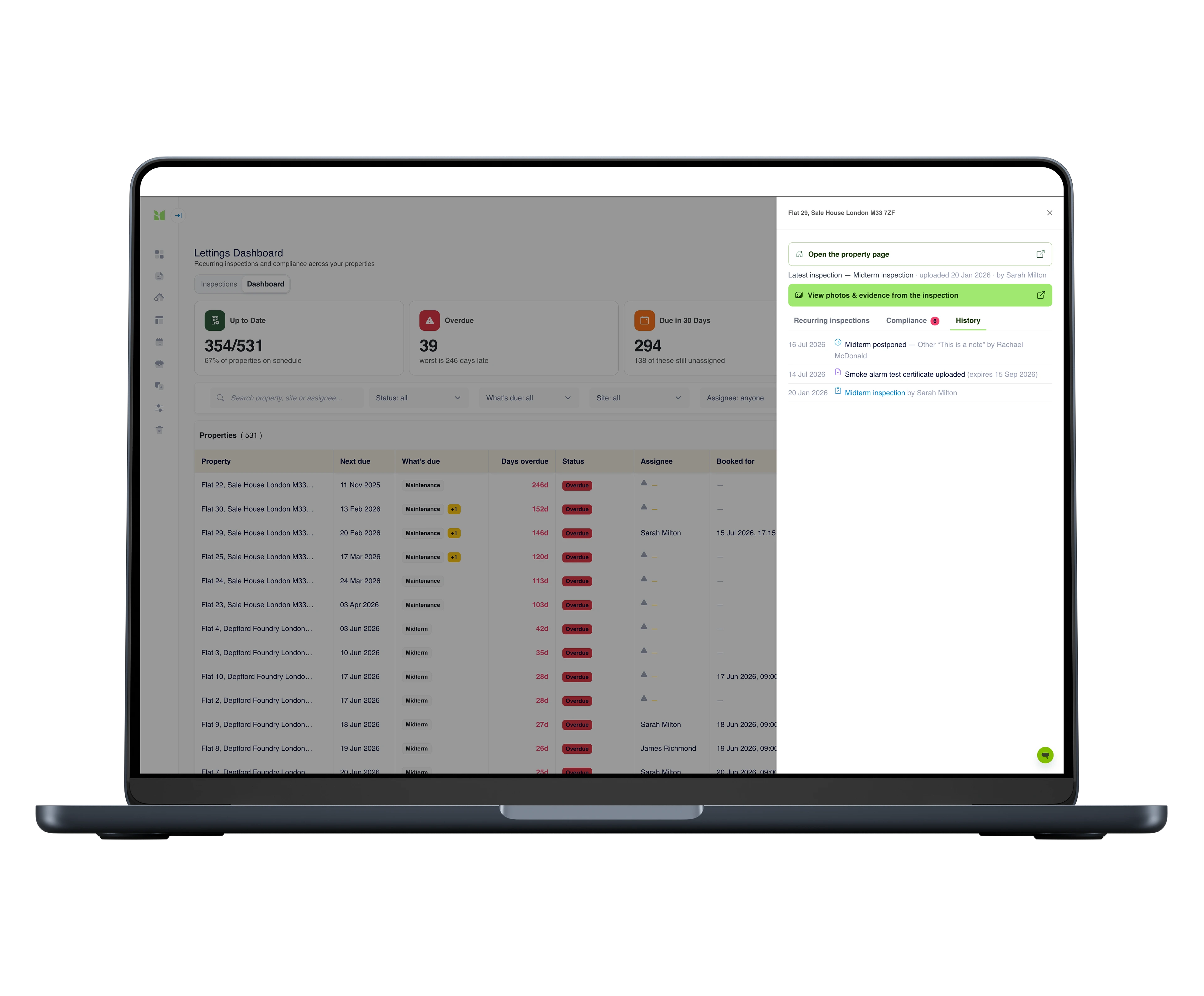
Assign an inspection from the compliance dashboard and a real booking lands in the clerk's diary. Next visit, assignee and days overdue stay visible per property - however many properties and clerks you add.
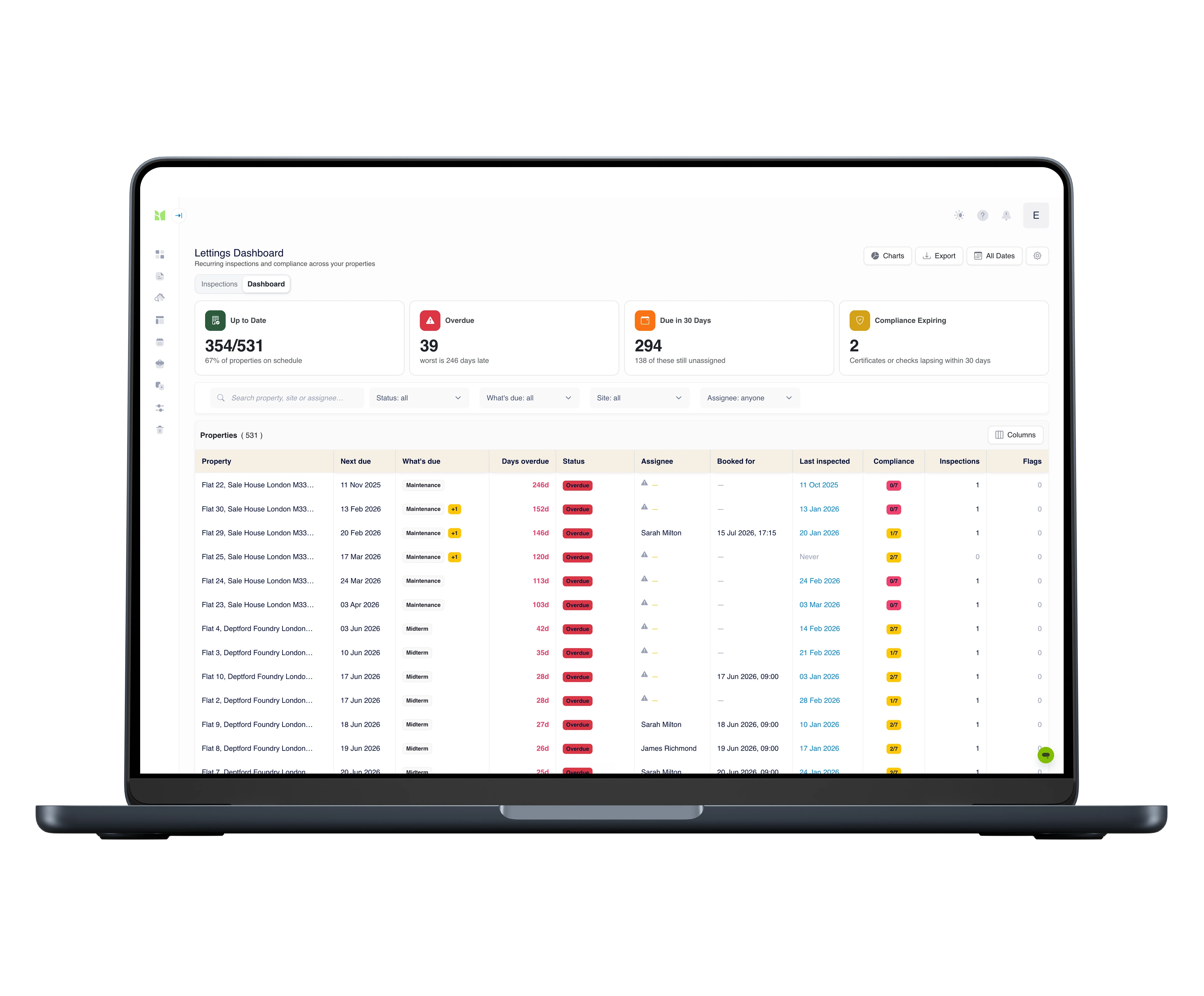
Next due, assignee and days overdue per property, on one screen
Assign from the dashboard - a real booking lands in the clerk's diary
Gas Safety, EICR, smoke alarms and Legionella still in date, at a glance
Templates & workflows
The whole tenancy, templated.
From the day the keys go out to the day they come back - a report format for every visit, each one comparable against the original inventory.
Every template is fully customisable - structure, wording, branding - and your reports carry your identity, not ours.
The tools for the job
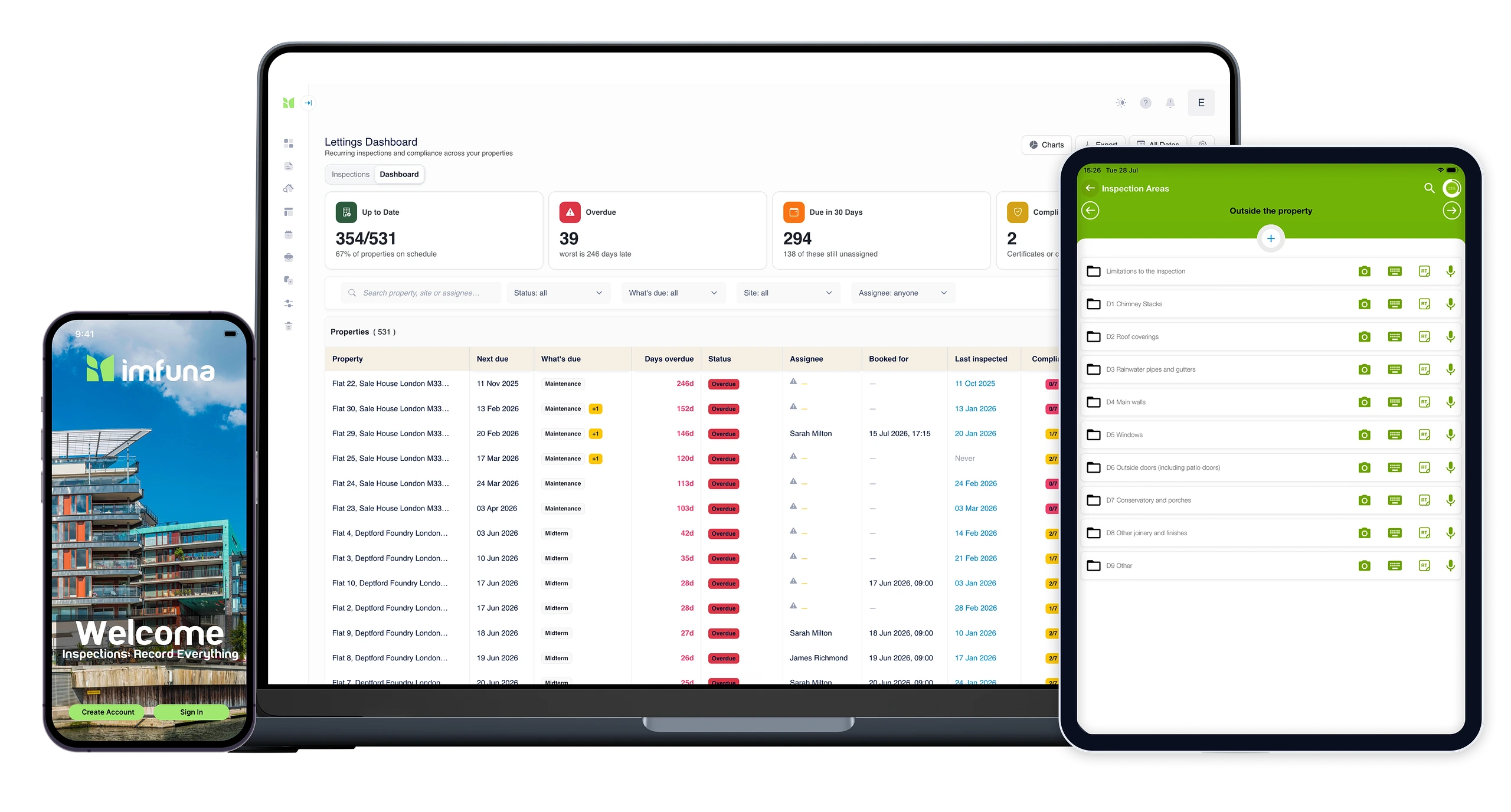
Phone & tablet · iOS & Android
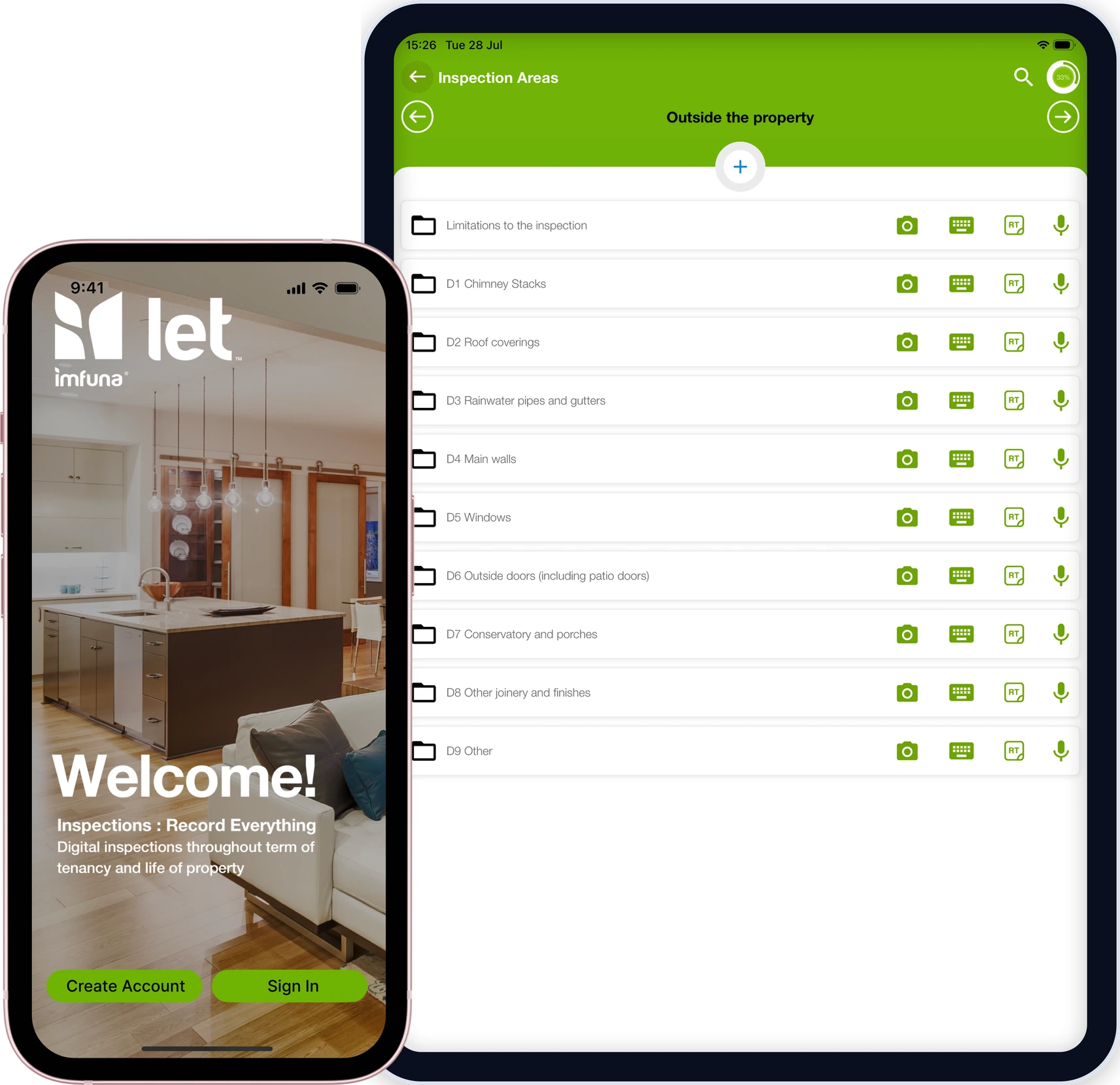
Native iOS and Android capture built for the rental lifecycle: inventories, incoming, periodic and outgoing inspections with photos, dictation and side-by-side comparison - works offline all day, load shedding included.
Everything behind the field work: bookings and the team's diary, dictation returned as text, review and edit of everything captured, photo markup in the browser, and reports shared for tenant comment and signature - frozen on generation, with originals kept tamper-evident for seven years.
Every property on one screen: what inspection is next due, who is assigned, how many days overdue, and which safety certificates and recurring checks are still in date. Assign from the dashboard and a real booking goes into the team's bookings calendar.
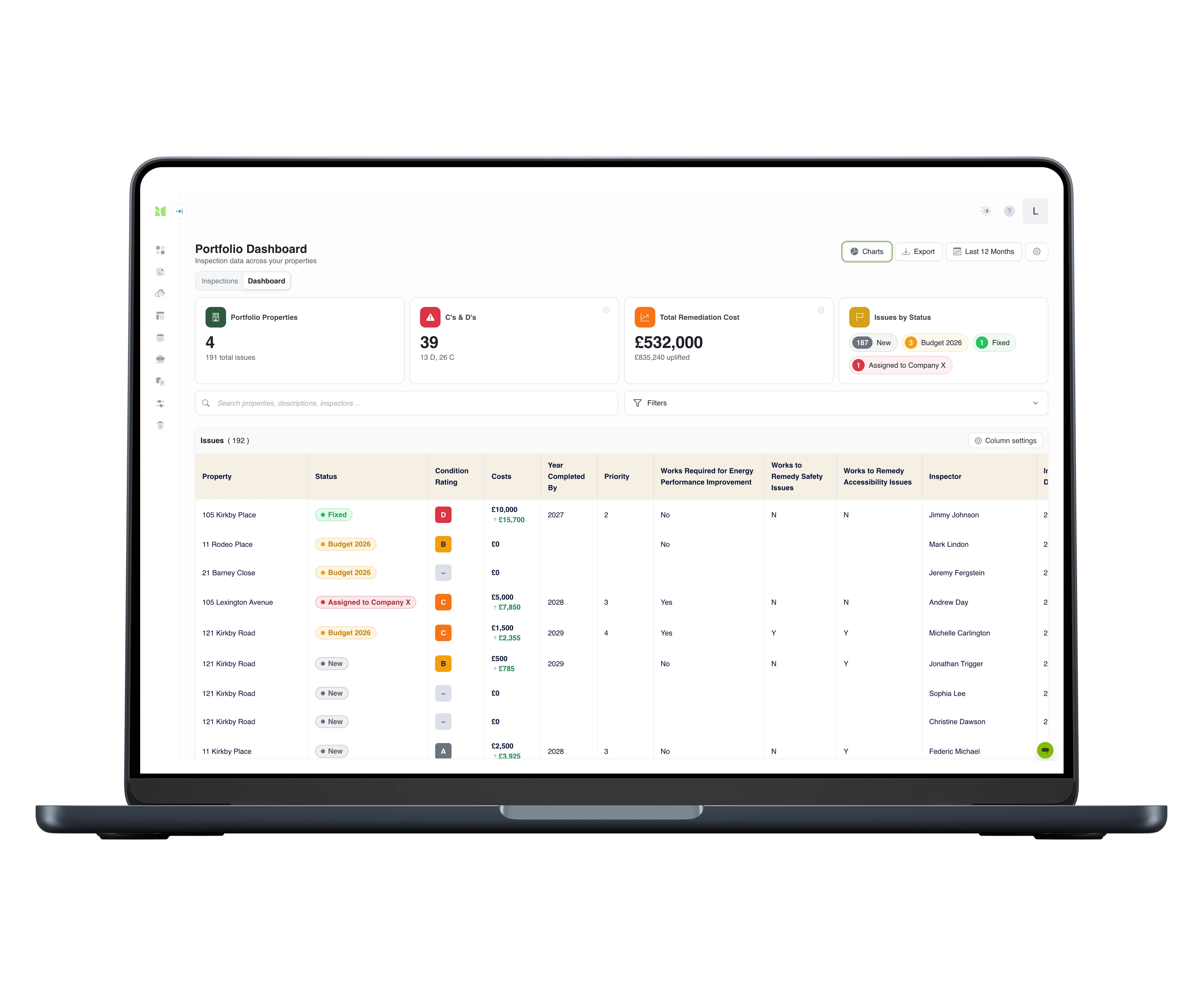
For the repairs and disrepair side of the workload: every issue flagged at an inspection becomes a row in one grid across the whole portfolio - severity, remediation cost and status with a full activity history, charts by any dimension, and Excel export with the audit trail - each row deep-linked to its photo evidence.
Publish an inspection and its flagged findings land in Fixflo as maintenance issues - photos, notes and inspection context attached, linked to the property, ready to assign. It works both ways: fetch a property with an open Fixflo issue, inspect it, and push the evidence back.
The Depositary
End-of-tenancy & deposit automation
Publish the check-out in Imfuna and it flows into The Depositary’s tenancy conclusion - the report, meter readings and tenant-liability costs land against the deductions, from notice through to refund.
AgentOS
Lettings CRM
Connect AgentOS and your branches and properties import into Imfuna, ready to inspect. When the report is finished, it attaches back to the property’s record in AgentOS.
MRI Sales & Lettings
Estate & lettings agency software
Properties in MRI Sales & Lettings arrive in Imfuna ready to inspect - inventories, check-ins, check-outs and comparisons - and the completed report returns to the tenancy record.
Excel export, for everything else
Output all inspection data to MS Excel for use in other software - so even tools we don’t talk to natively can work from Imfuna data.
Imfuna provides us a detailed, real-time document that both we the agent and the tenant can feel confident in: it is thorough and outlines perfectly a property's inventory. Imfuna has certainly raised the agency standard for inventory detail which ultimately helps us avoid any disputes, as now everything is more clear and concise with no wriggle room!
Andrew Davies - Property Consultant, iMove Newquay
Side by side
check-out compared against check-in, photo by photo
Clause by clause
tenant comment and digital signature on the record
7 years
originals kept tamper-evident
Joint
one record agent, landlord and tenant sign together
Questions agents and landlords ask us
What makes an incoming inspection robust rather than vague?
Specific beats vague. 'Good condition' loses arguments; a dated photo with the mark described, agreed and signed by the tenant wins them. Imfuna structures the visit so every room carries condition, cleanliness, meters and keys with photos.
How is fair wear and tear handled?
By evidence, not memory. Side-by-side comparison puts the incoming photo next to the outgoing capture with dates attached, so wear-and-tear judgements are made against a dated record of how the property actually stood - and how long the tenancy ran.
Do tenants get a say in the inventory?
Yes - and that's what makes it hold. Tenants review the report and its photos, comment clause by clause and sign electronically at the start, while everyone can still look at the room. A record agreed then is very hard to argue with later.
How easy is it to get started?
Sign up and you are in a 30-day free trial with full access, no credit card required. Inventory, incoming, periodic and outgoing structures are already in the library - open a template and start. And setup is not left to you: live online onboarding training for your whole team is included on every plan, with live chat inside the platform when a question comes up.
Is training included?
Yes, on every plan: live online onboarding training for your whole team, plus start-up videos and live chat inside the platform. And it is not a one-off - when someone joins the team mid-subscription, they can request the same onboarding at any time, so new starters never learn the system second-hand. On Enterprise, on-site training at your offices can be scoped into your quote.
Can we try it before committing to anything?
Yes. Every new account starts with a 30-day free trial with full access and no credit card required - so there is nothing to cancel if it is not for you. Run a real inventory during the trial and judge Imfuna on your own workflow, not a demo script. When you are ready, you choose a plan on your subscription page; and if the trial passed you by unused, support will look at an extension.
See Imfuna on your own properties
A live demo takes 30 minutes: we look at how you work today and show how it runs in Imfuna.


 Phone & tablet · iOS & Android